
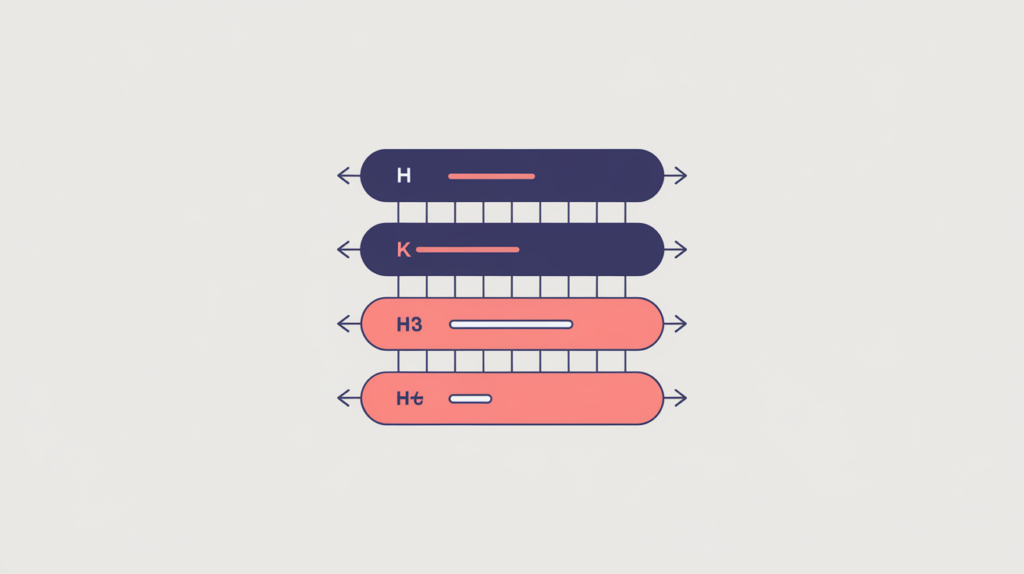
Exact Matches making whole H3 Tags counts how many H3 headings on the page consist of nothing but your exact target query, so the whole heading must equal the query and any extra words before or after break the match. Many well-structured pages correctly return zero, so read it as an observation of your outline, not a target to hit.
| Factor ID | RG-HDG-012 |
|---|---|
| Family | Headings |
| Measurement | Whole-heading match count |
| Measured zone | H3 text |
What it measures
This factor counts H3 headings whose complete text matches the query pattern. Unlike a contained-match count, the entire heading has to be the query from start to finish: an H3 that adds words around the phrase, or that only includes it as part of a longer title, does not count. The result is the number of H3s that stand as the query and nothing else.
How RankGear measures it
RankGear anchors the case-insensitive query pattern at both ends of each H3, so the heading’s full text must begin and end with the query for it to match. Between the query’s words, single-character separators at the spaces are optional, which lets a space, a hyphen, or another single character join the words. Because the pattern is anchored, no extra leading or trailing text is allowed.
What RankGear looks for
Target query:   h3 tags
Match pattern:  ^h3.?tags$   (case-insensitive; anchored both ends; each space -> optional single char)

<h3>H3 Tags</h3>             -> counts (whole heading equals the query)
<h3>H3-Tags</h3>             -> counts (hyphen separator)
<h3>About H3 Tags</h3>       -> no match (extra leading text)
<h3>H3 Tags Explained</h3> -> no match (extra trailing text)| If the count is… | How to read it |
|---|---|
| 0 | No H3 is exactly the query. Common and often correct — most H3 subsections carry descriptive labels rather than the bare query. |
| 1 | One H3 subsection is labeled with the query and nothing else. Typical when a single supporting section is named directly by the phrase. |
| 2 or more | Several H3s are the query verbatim. Check that each still marks a distinct subsection — repetition is not coverage. |
How to optimize it
Use the exact standalone phrase as a whole H3 only when it accurately labels a supporting subsection of the page. Because the match is anchored, do not pad or truncate a heading to satisfy the pattern; write the heading the reader needs and let the count reflect it. Keep H3s nested logically beneath their H1 and H2 parents so the heading stays a genuine sub-topic label, and treat this count as an observation of your structure rather than a number to inflate.
Important considerations
- Extra text causes no match: a heading that wraps the query in additional words is not counted, unlike a contained-match factor.
- A zero can be appropriate — many correct outlines never need an H3 that is only the query.
- Repetition is not coverage: multiple identical query-only H3s do not add topical depth and may signal duplicated subsections.
- Maintain logical nesting so each H3 remains a true subsection beneath its H1 and H2 parents.
- Correlation is not causation: this count relates to how a page’s position tracks within a measured result set. It does not make a page rank or guarantee a position.
Related factors
Part of the Factors reference · how RankGear measures · glossary.