
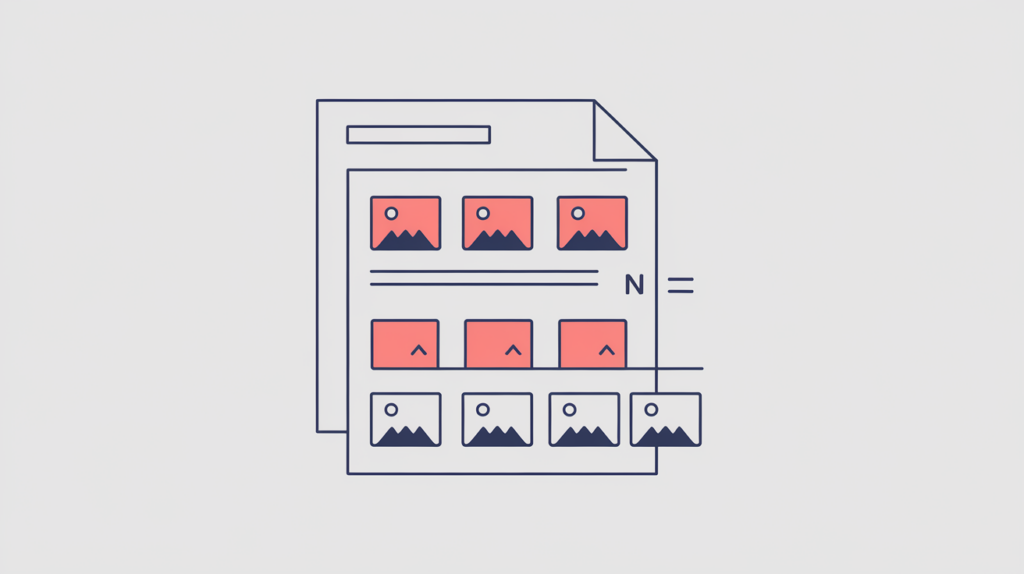
Image Count reports how many <img> elements RankGear finds in a page’s parsed document, so you can compare a target’s use of imagery against the pages that currently rank. It is a plain quantity — it says nothing about whether the images are relevant, accessible, or useful, so read it as an observation, not a target.
| Factor ID | RG-SIZ-010 |
|---|---|
| Family | Size & length |
| Measurement | Element count |
| Measured zone | Parsed document |
What it measures
This factor reports the number of parsed <img> elements on the page. It is a count of image tags present in the document RankGear analyzes, giving you a simple way to see whether a target leans on more or fewer images than the pages it competes with. It does not weigh the images against each other, judge their quality, or check whether they carry the content’s weight — it only tells you how many are there.
How RankGear measures it
RankGear parses the rendered HTML with SwiftSoup, selects all <img> elements, and returns the count. Every matched <img> tag in the parsed document adds one to the total, regardless of its size, source, or role on the page.
What RankGear looks for
img   ← every <img> element in the parsed document
count = number of matched <img> elementsHow to optimize it
Use images when they explain, demonstrate, prove, or enhance the content, rather than adding them to move a number. Optimize their dimensions and delivery, provide appropriate alternative text, and avoid decorative bloat that inflates the count without helping the reader. Compare your target against the competitive evidence, but treat this figure as an observation about how a page is built — not a quota to fill or a target to chase.
| If the page is… | Do this |
|---|---|
| Well below the ranking pages, and image-worthy points sit in plain text | Add images only where a diagram, screenshot, or proof genuinely helps — each with appropriate alt text and optimized delivery. |
| Well above the ranking pages, mostly decorative or repeated imagery | Trim decorative bloat so remaining images carry real informational or evidentiary weight. |
| In line with the ranking pages | Leave the count alone; focus on the relevance, delivery, and accessibility of the images you already have. |
Important considerations
- This is a quantity measure, not an assessment of quality, relevance, accessibility, or usefulness.
- JavaScript-rendered markup present at capture time can affect the parsed document, and therefore the count.
- Malformed HTML may be normalized by the parser before the
<img>elements are counted. - Compare competitive evidence, but do not assume more is always better — a higher count relates to position within a result set; it does not cause a page to rank.
Related factors
Part of the Factors reference · how RankGear measures · glossary.