
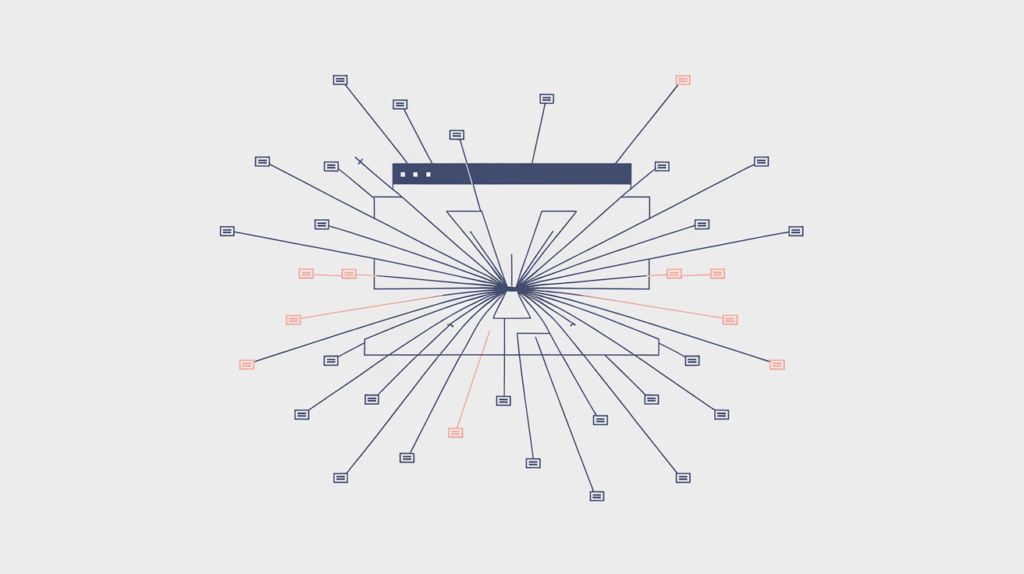
Number of Links is the total count of recognized anchor elements RankGear finds in a page’s rendered body. It is a broad structural read on how extensively a page links out — on its own it does not separate internal from external, followed from nofollowed, or navigation from in-content links, and a higher count does not cause a page to rank.
| Factor ID | RG-LNK-011 |
|---|---|
| Family | Links on the page |
| Measurement | Anchor-element count |
| Measured zone | Rendered page body |
What it measures
Number of Links counts the recognized anchor elements in the rendered page body. It gives you a broad structural comparison of how extensively the target page links to other destinations. This total can include both internal and external links, and by itself it does not distinguish followed links, nofollowed links, navigation, citations, calls to action, or duplicate destinations — RankGear measures many of those properties as separate factors.
How RankGear measures it
RankGear analyzes the script-free rendered body and counts the paired anchor tags recognized by its parser. Each recognized anchor element contributes one to the total, even when several links point to the same URL. Links created in forms other than a standard anchor element may not be counted, and the factor does not test whether a destination is live or useful.
What RankGear looks for
<a href="/supporting-page">descriptive anchor text</a>   ← counts as 1
<a href="https://example.com">external source</a>          ← counts as 1
<a href="/supporting-page">same URL, second link</a> ← still counts as 1| If the page is… | Do this |
|---|---|
| Well below the competitor distribution for its page type | Add relevant internal links to supporting pages, next steps, or evidence, and authoritative external links where they help a reader verify a claim. |
| Far above the distribution, mostly from template navigation and footer | Check that the high count reflects useful in-content links, not chrome — template links inflate the total without helping the page. |
| Near the selected deficit target | Treat the count as an observation. Focus on link quality, anchor accuracy, and architecture rather than pushing the raw number. |
How to optimize it
Build a helpful link structure. Add internal links that connect visitors to relevant supporting pages, next steps, evidence, products, services, or deeper explanations, and use external links when authoritative sources improve trust or let a reader verify a claim. Remove broken, misleading, redundant, or low-value links, and use anchor text that accurately describes the destination and makes sense in context. Treat this factor as an observation about structure, not a target to inflate — the goal is better navigation and information architecture, not a higher raw total.
Important considerations
- Page templates can contribute large navigation and footer link counts that inflate the total independent of the content.
- A competitor gap may reflect a different site architecture rather than a content advantage.
- Internal, external, followed, nofollowed, exact-anchor, and other link characteristics are tracked by separate factors.
- Too many repetitive links can reduce clarity and dilute attention.
- Interpret this factor together with the page type, competitor distribution, correlation, and the selected deficit target — it relates to position within a measured result set and never guarantees a ranking.
Related factors
Part of the Factors reference · how RankGear measures · glossary.