
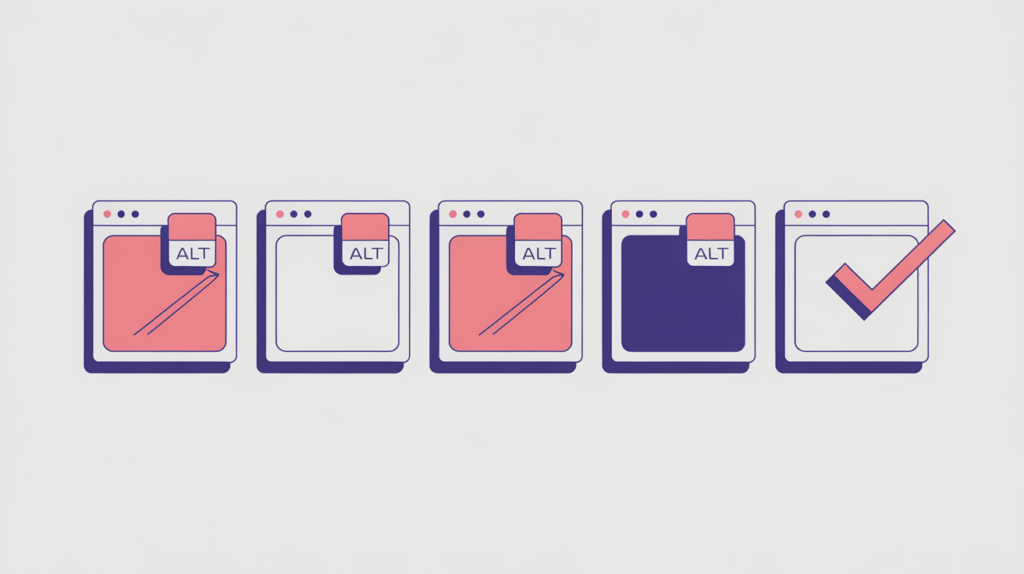
Number of Images with ALT Text counts the image elements on a page whose alt attribute holds real, non-whitespace text. It returns a whole number you can compare against ranking pages — but it only checks that alt text is present, never whether that text is accurate, useful, or appropriate for the image.
| Factor ID | RG-MED-005 |
|---|---|
| Family | Media & embeds |
| Measurement | Image-element count |
| Measured zone | Rendered page body |
What it measures
This factor counts recognized image elements whose alt attribute contains non-whitespace text. It exists to help you compare alternative-text coverage across your target page and the pages that rank alongside it. The measurement is deliberately narrow: it registers the presence of text in the attribute and stops there. It does not judge whether the text is accurate, useful, concise, descriptive, or appropriate for the image it describes.
How RankGear measures it
RankGear parses image tags from the rendered, script-free page body and reads each alt attribute. It trims surrounding space characters and counts the images whose remaining alt text is not empty. An image with no alt attribute is treated as having empty alt text and is not counted. Repeated uses of the same image can each contribute to the total.
What RankGear looks for
<img src="chart.png" alt="Revenue by quarter, 2024">   → counted (alt has real text)
<img src="divider.png" alt="">                        → not counted (empty alt)
<img src="logo.png"> → not counted (no alt attribute)| Image element | Counted? |
|---|---|
| Alt attribute with non-whitespace text | Yes |
| Alt attribute that is empty or only spaces | No |
| No alt attribute at all | No |
| CSS background image | No — outside the image-element parser |
How to optimize it
Treat this count as an observation about coverage, not a number to maximize. Give informative images alternative text that communicates their relevant content or function to people who cannot see them, and describe what matters in the context of the page rather than filling the attribute with keywords. For linked or functional images, describe the action or destination. For decorative images, use an intentionally empty alt attribute when that is the correct accessibility treatment — those images will not raise this count, and that is acceptable.
Important considerations
- Not every image should have descriptive alt text; decorative images often need an intentionally empty attribute.
- A nonempty attribute can still be poor, redundant, or keyword stuffed — presence is not quality.
- CSS background images fall outside this image-element parser and are never counted.
- Read this count alongside total images and images without alt text to understand real coverage.
- Accessibility requirements and user context matter more than maximizing the count.
- This factor is a prioritization signal that relates to position within a measured result set; correlation is not causation, and a higher count does not by itself cause or guarantee a ranking.
Related factors
Part of the Factors reference · how RankGear measures · glossary.