
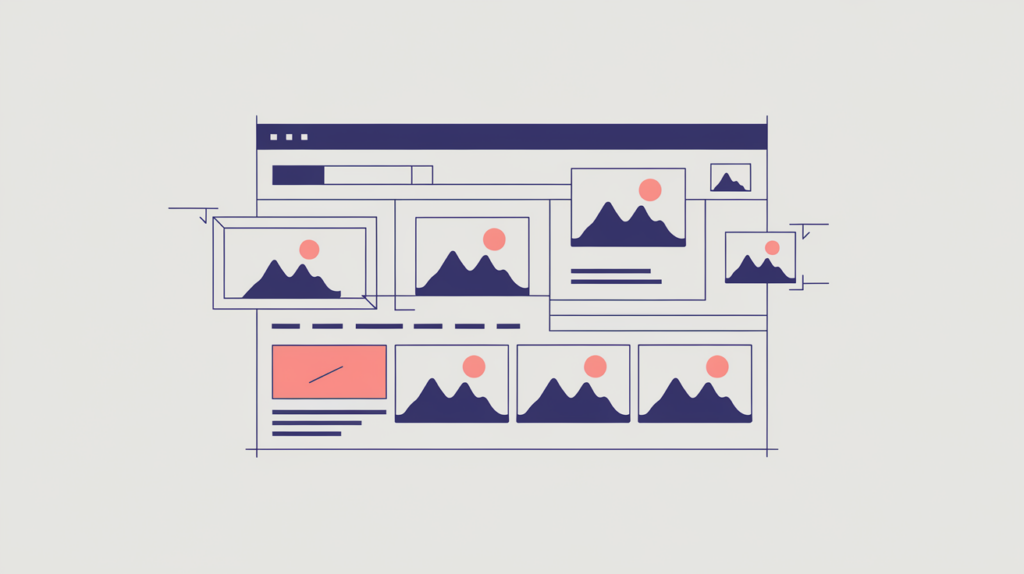
Number of Images counts the image elements in the rendered body of a page, giving you a way to compare how much image media the target page carries against the pages ranking for the same query. It measures quantity only — not quality, relevance, accessibility, or whether each image loaded — so read it as a comparison signal, not a number to maximize.
| Factor ID | RG-MED-004 |
|---|---|
| Family | Media & embeds |
| Measurement | Tag count |
| Measured zone | Rendered page body |
What it measures
Number of Images counts the image elements in the rendered page body. It helps you compare the amount of image media on the target page with the pages ranking for the same query. The factor measures element count only. It does not score image quality, originality, relevance, accessibility, file size, dimensions, or whether each image loaded successfully.
How RankGear measures it
RankGear renders the page, removes scripts from the body used for analysis, and counts the image tags recognized by its HTML parser. Each recognized image element contributes one to the total, including repeated uses of the same file. CSS background images, some nonstandard lazy-loading placeholders, and media that does not appear as an image element may not contribute to this factor.
What RankGear looks for
<img src="product-photo.jpg" alt="…">
<img src="diagram.png" alt="…">How to optimize it
Use images where they help a visitor understand, evaluate, or complete the task behind the query. Depending on the page, that may include product images, diagrams, screenshots, examples, charts, maps, before-and-after evidence, or photographs of people and places. When adding images, use appropriate alternative text, intrinsic dimensions, responsive delivery, efficient formats, compression, and lazy loading where suitable — these improvements support usability and performance even though they do not change the raw count in the same way. Treat the competitive evidence and your selected goal as the guide, not the highest observed count as a target to copy.
| If the page is… | Do this |
|---|---|
| Well below the competitive image count | Add images that genuinely help the visitor understand or complete the task — not filler to raise the number. |
| Near the competitive image count | Leave the count alone; improve alt text, dimensions, formats, and relevance instead. |
| Well above the competitive image count | Check for decorative or duplicated images that add weight without value and prune them. |
Important considerations
- More images are not automatically better and can slow the page or distract from its purpose.
- Decorative and duplicated images increase the count without necessarily adding value.
- Image alternative text, dimensions, and keyword usage are measured by separate RankGear factors.
- Compare page types: an image-heavy product result set may require a different approach from a text-led informational result set.
- Use the selected goal and competitive evidence rather than copying the highest observed count.
- This is a prioritization signal that relates to position within a measured result set — it does not, on its own, cause or guarantee a ranking.
Related factors
Part of the Factors reference · how RankGear measures · glossary.