
Feature · Analyse
Bulk Runs: audit or analyze a whole portfolio, unattended
One keyword and URL per line. Bulk Runs performs an On-Page Audit or a full Analysis Run across every row — with per-row rank and score, an atomic recovery checkpoint, and Resume, so an overnight interruption never repeats paid work.
One row per target, quick audit or full analysis
Paste your list — one keyword and URL per line, with optional city and state for local — and choose the depth of work:
- On-Page Audit per row for a fast, client-ready read across a whole site or portfolio.
- Full Analysis Run per row when you need the field, deficits, and roadmap for each target.
Every row reports its rank and optimization score, so you can triage a portfolio at a glance and drill into the ones that need work.
See a single Analysis Run →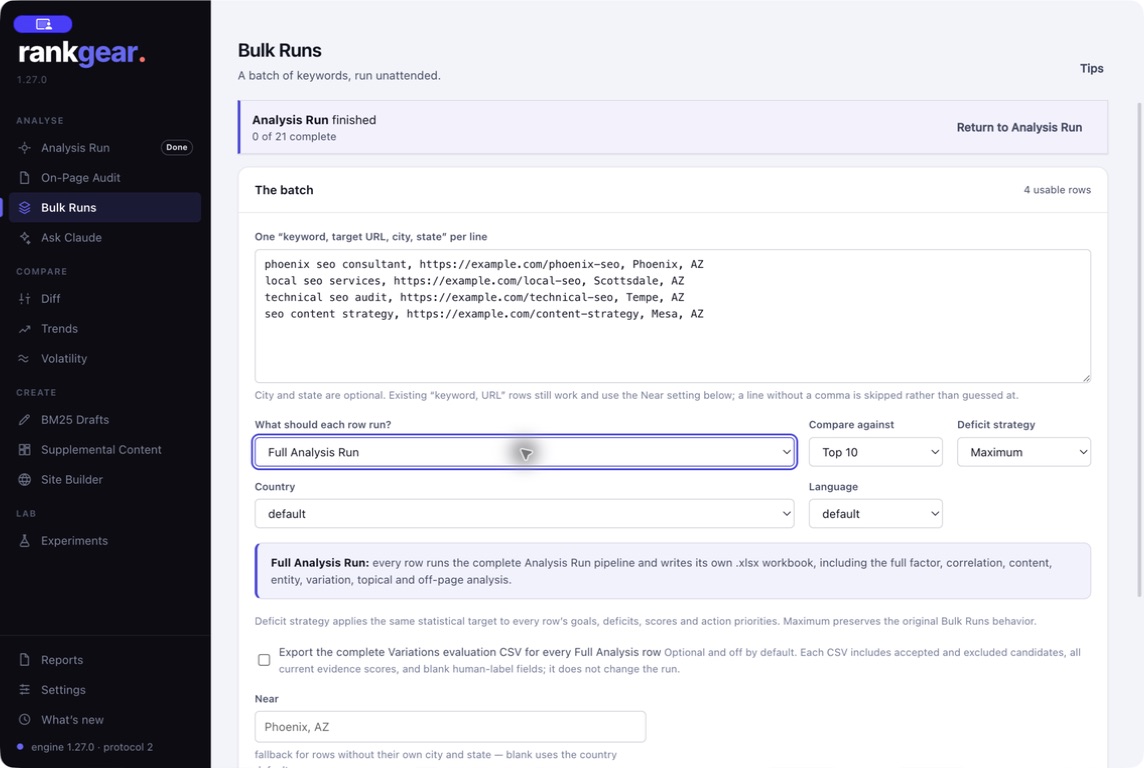
Interruptions never cost you twice
Long queues meet real life — sleep, a dropped connection, a restart. Bulk Runs writes an atomic recovery checkpoint as it goes and offers Resume, so it picks up exactly where it left off instead of re-running finished rows. Because off-page and entity lookups spend on your own provider accounts, that means an overnight interruption never repeats paid work.
How RankGear measures →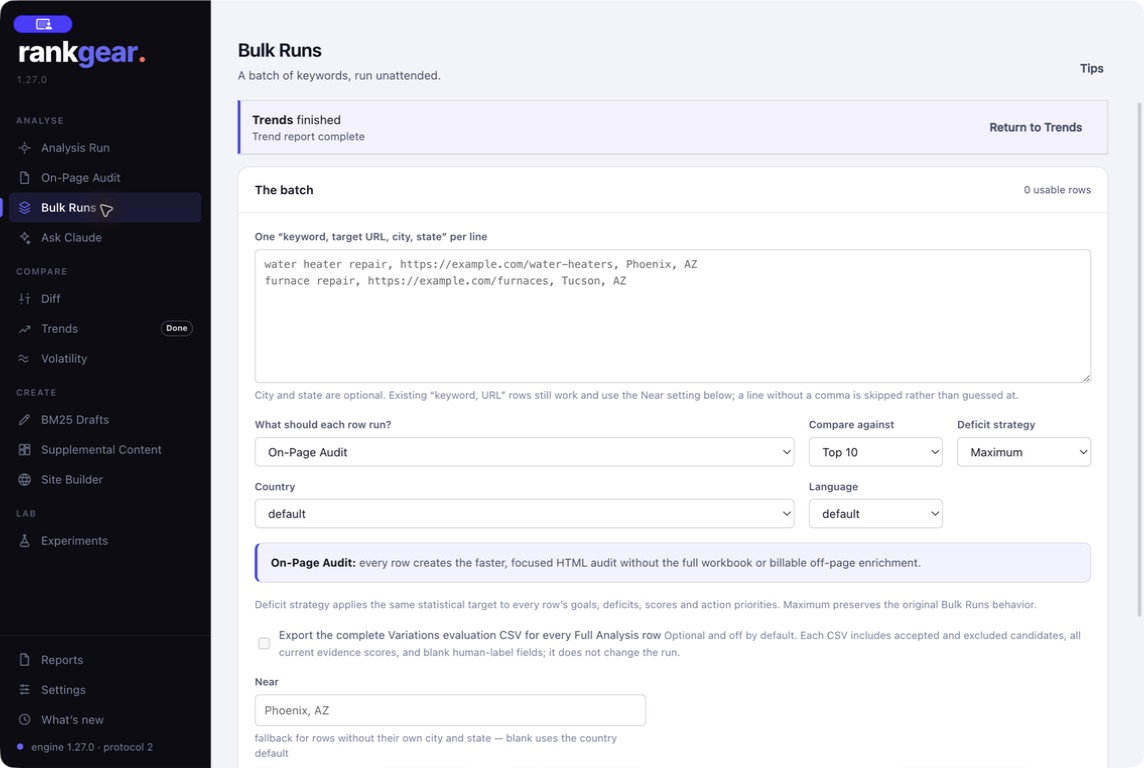
Boundaries
What it is — and isn’t
A bulk queue does the same work as a single run, many times — so a portfolio of full analyses at Top 100 takes real time and real provider calls on your account. On-Page Audits are lighter than full runs; choose the depth that matches the job.
Correlation, not causation. Bulk Runs scales the measurement, not the meaning: each row is still a correlation-based read of a field, a reason to prioritize — never a guaranteed ranking.
Questions, answered
What’s the input format?
One keyword and target URL per line, with an optional city and state per row for local search. RankGear queues each row as its own audit or analysis.
What happens if my machine sleeps mid-queue?
Bulk Runs writes an atomic recovery checkpoint and offers Resume, so it continues from the last completed row instead of repeating finished, paid work.
Audit or full analysis — which should I pick?
On-Page Audit for a fast, client-ready pass across many pages; full Analysis Run when each target needs the field, deficit strategy, and roadmap.
Does each row produce its own reports?
Yes — each row writes its own timestamped workbook and any HTML companions you choose, just like a single run.
Scale the analysis, not the clicking.
Paste a portfolio, start the queue, and come back to per-row scores and workbooks.
macOS 14+ (Apple silicon) · Windows 11 (x64/ARM64) · bring your own provider accounts